HTML Introduction
Learn what HTML is and why every web page starts with it.
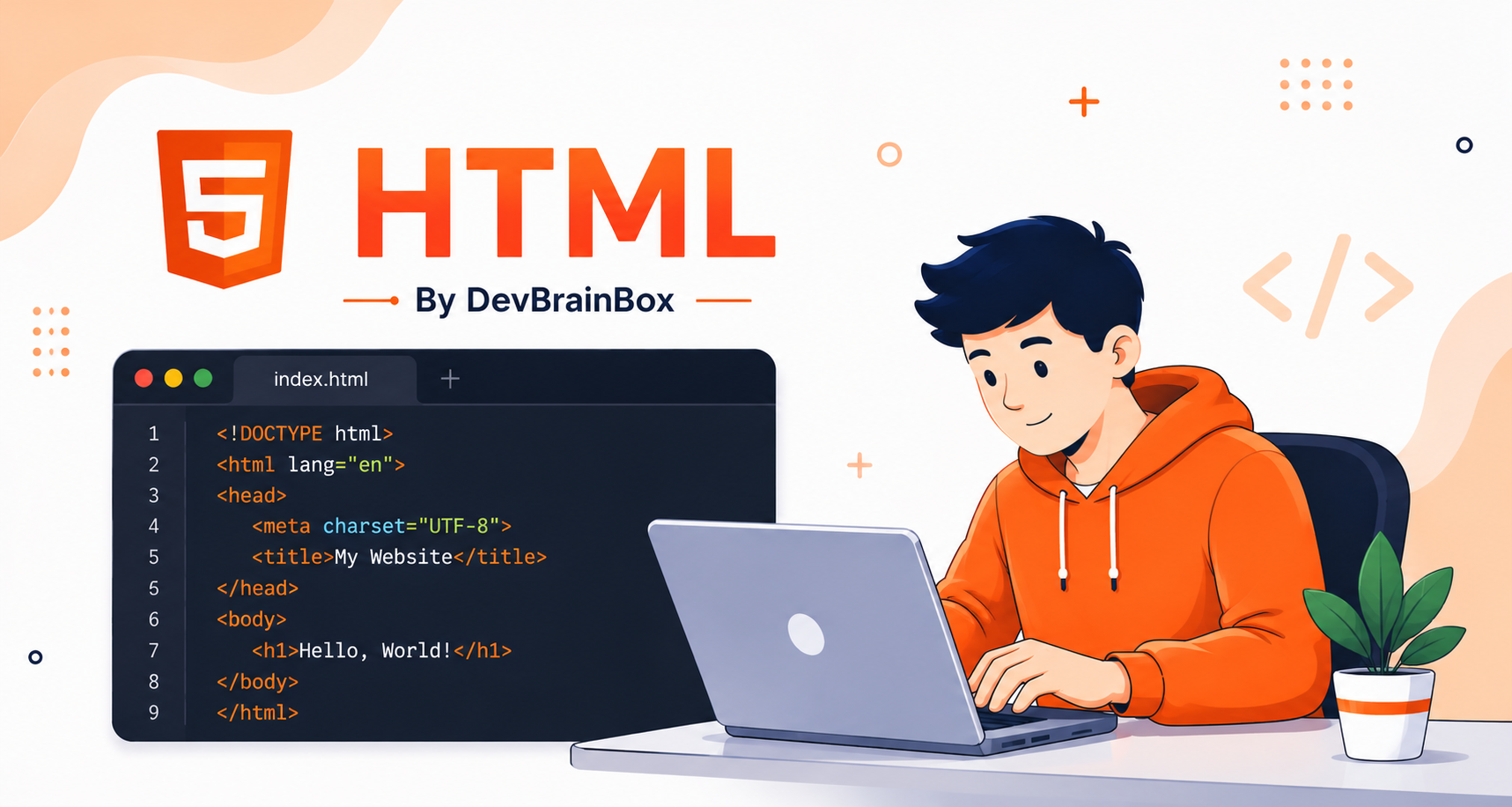
HTML is the foundation of every website on the internet. Before learning CSS, JavaScript, React, or any other web technology, it is important to understand HTML because it provides the structure and content of a webpage.
What is HTML?
HTML (HyperText Markup Language) is the standard language used to create web pages. HyperText means text that contains links to other pages. Markup Language means a language that uses tags to define and organize content.
- What content to display
- How content is structured
- Which parts are headings, paragraphs, images, links, tables, forms, and more
Example
HTML
<!DOCTYPE html>
<html>
<head>
    <title>My First Page</title>
</head>
<body>
    <h1>Welcome</h1>
    <p>This is my first HTML page.</p>
</body>
</html>
Output
devbrainbox.local/output
OutputWelcome This is my first HTML page.
Key Points
- HTML creates the structure of a webpage.
- HTML is not a programming language.
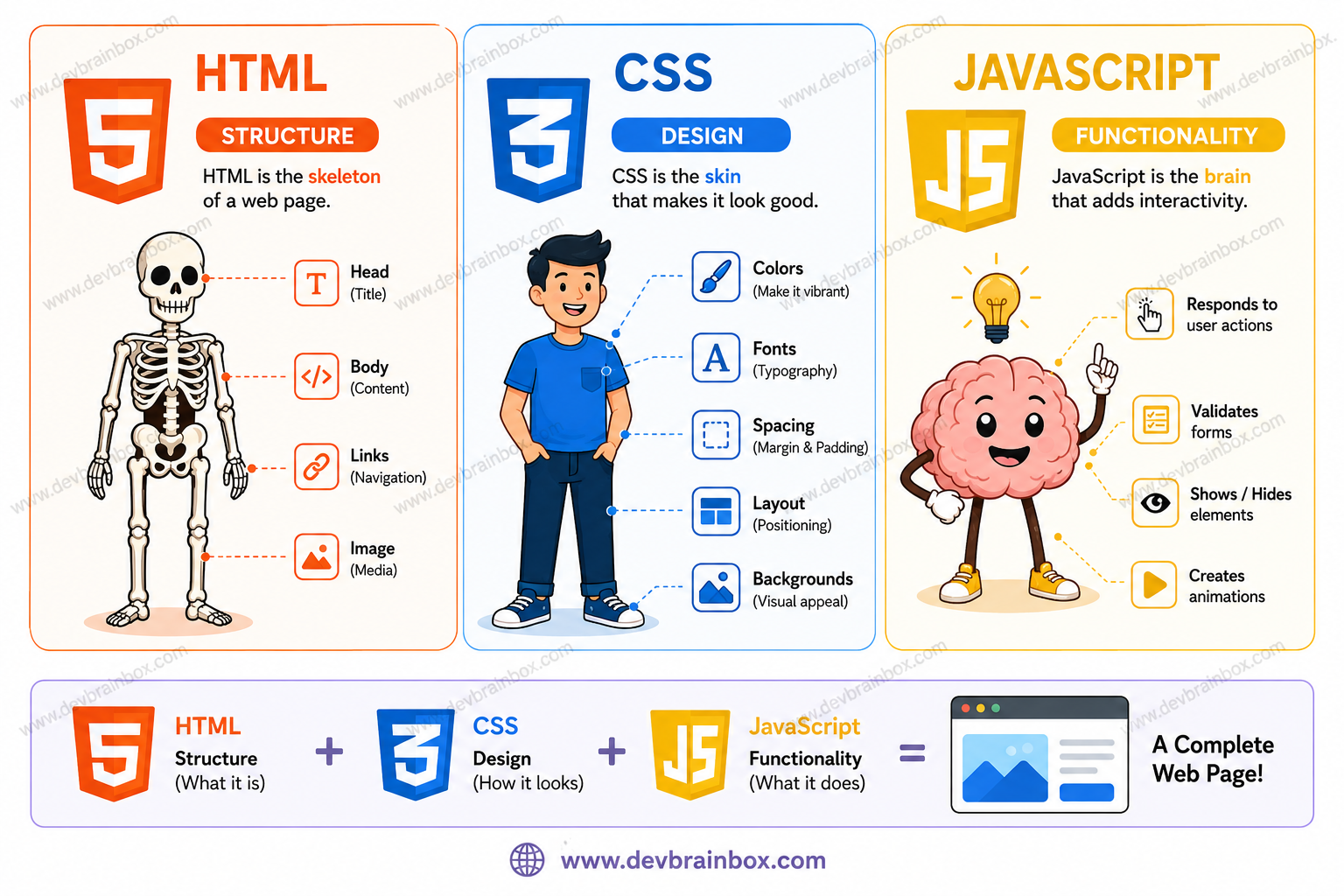
- HTML works together with CSS and JavaScript.
HTML
Structure
CSS
Design
JavaScript
Functionality
History of HTML
HTML was invented by Tim Berners-Lee in 1991 while working at CERN. His goal was to allow scientists to share documents over the internet.
| Year | Version | Description |
|---|---|---|
| 1991 | HTML 1.0 | First version of HTML |
| 1995 | HTML 2.0 | Official HTML standard |
| 1997 | HTML 3.2 | Added tables and scripting support |
| 1999 | HTML 4.01 | Improved styling and forms |
| 2014 | HTML5 | Added video, audio, canvas, APIs |
| Present | HTML Living Standard | Continuously updated |
How Websites Are Structured
A website is built using three main technologies:
- HTML creates the content and layout.
- CSS controls how the webpage looks.
- JavaScript adds interaction.
HTML
<h1>My Blog</h1>
<p>Welcome to my blog.</p>
<button>Click Me</button>
CSS
h1 {
    color: blue;
}
JavaScript
button.onclick = function() {
    alert("Button Clicked!");
};
How a Browser Displays a Website
- You enter a URL.
- The browser requests the webpage from the server.
- The server sends HTML files.
- The browser reads the HTML.
- The browser builds the webpage and displays it.
devbrainbox.local/output
OutputUser | Browser | Server | HTML + CSS + JS | Web Page Displayed
Key Takeaways
- HTML stands for HyperText Markup Language.
- HTML is used to create the structure of web pages.
- HTML was invented by Tim Berners-Lee in 1991.
- HTML5 introduced modern web features like video, audio, and semantic elements.
- Every webpage starts with HTML.