HTML Media
Embed audio and video content directly in the browser.
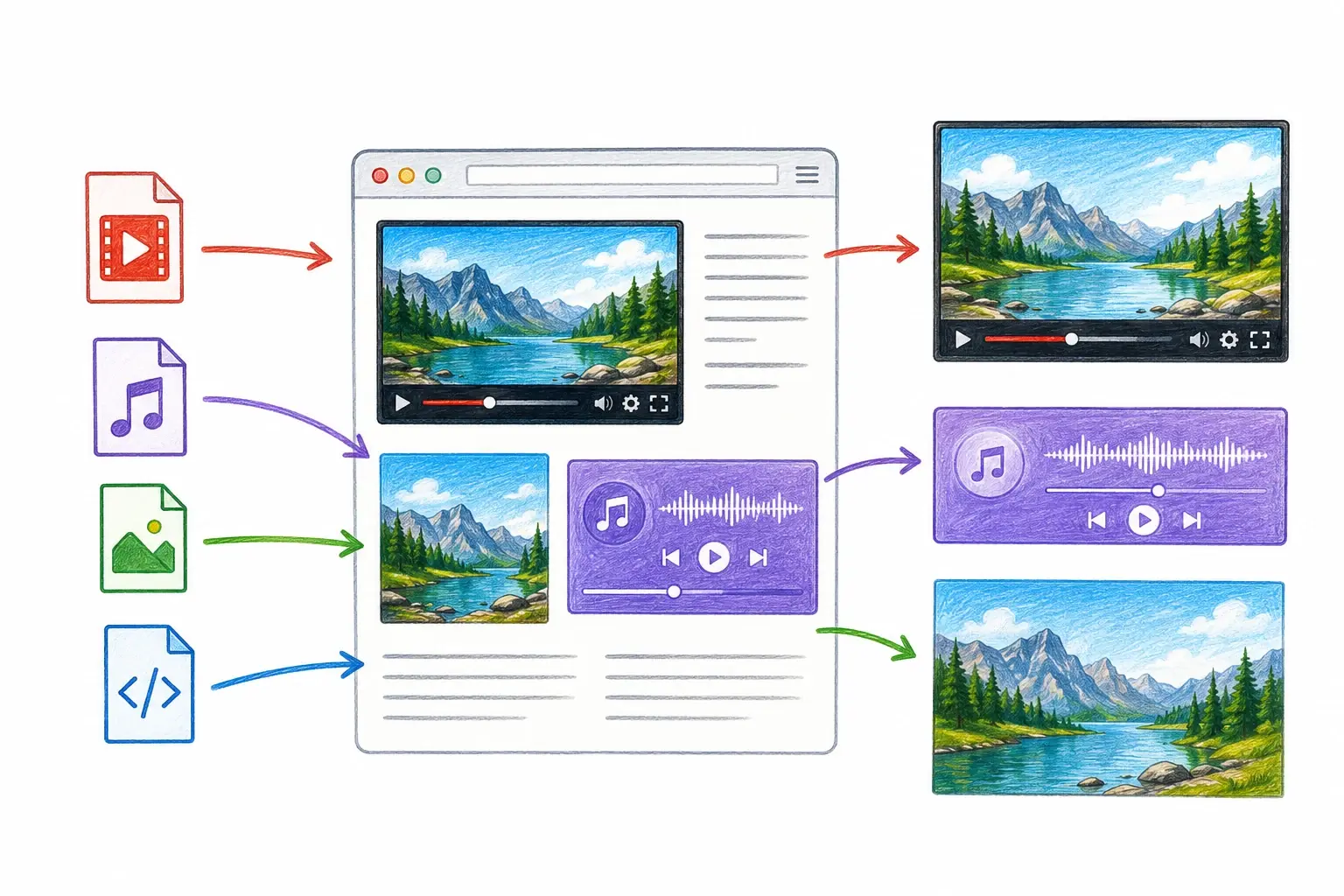
Modern websites are much more than just text and images. Many websites include videos, music, podcasts, animations, and other types of media to create a richer user experience. In HTML, these types of content are called multimedia.
Multimedia helps make websites more engaging, interactive, and informative. For example, a learning website may use videos to explain concepts, while a music website may allow users to play songs directly on the page.
What Is Multimedia?
Multimedia refers to content that combines different types of media, such as:
- Audio
- Video
- Images
- Animations
HTML provides special elements that allow developers to display and control multimedia content directly within a webpage.
Why Is Multimedia Important?
Multimedia improves the user experience by making content easier to understand and more enjoyable to consume.
For example:
- A cooking website can include recipe videos.
- A news website can publish video reports.
- An online course can provide recorded lessons.
- A podcast website can offer audio playback.
Instead of downloading files separately, users can interact with media directly in their browser.
Adding Audio to a Webpage
HTML uses the audio element to play sound files.
<audio controls>
    <source src="song.mp3" type="audio/mpeg">
</audio>
The controls attribute displays built-in audio controls such as:
- Play
- Pause
- Volume
Users can control playback without needing additional software.
Adding Video to a Webpage
HTML uses the video element to display videos.
<video width="400" controls>
    <source src="video.mp4" type="video/mp4">
</video>
The browser displays a video player with controls for:
- Play
- Pause
- Full screen
- Volume
The width attribute controls the video's size.
Understanding the <source> Element
The source element specifies the media file location.
<source src="movie.mp4" type="video/mp4">This tells the browser:
- Where the file is located.
- What file format is being used.
Multiple source elements can be provided for better browser compatibility.
Common Multimedia Formats
Audio Formats
- MP3
- WAV
- OGG
Video Formats
- MP4
- WebM
- OGG
Among these, MP4 and MP3 are the most widely supported formats.
Best Practices
When working with multimedia:
- Use widely supported file formats.
- Keep media files optimized for faster loading.
- Provide playback controls for users.
- Avoid autoplay when possible.
- Include alternative content when media cannot be played.
These practices help improve accessibility and user experience.
Key Takeaways
- Multimedia is an important topic to understand.
- Start with small examples and practice one step at a time.
- Use the idea in simple projects so it becomes easier to remember.