RDBMS Introduction to RDBMS
Learn what an RDBMS is, why it is used, and how relational databases organize data.
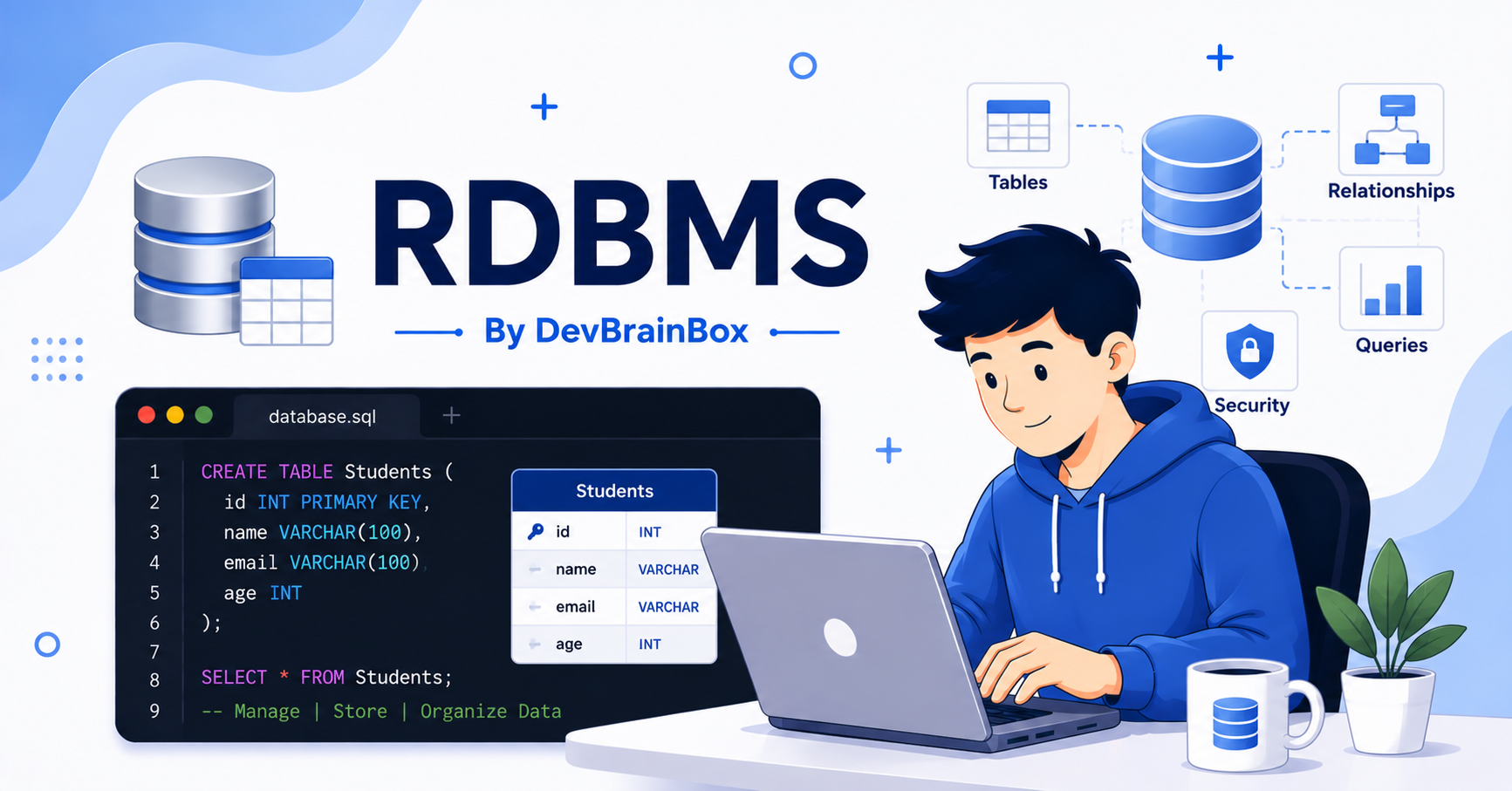
Introduction to RDBMS
A Relational Database Management System, or RDBMS, is software that helps us store, organize, manage, and retrieve data in a structured way. Instead of keeping information in notebooks, spreadsheets, or scattered files, an RDBMS stores data in tables that are connected through relationships.
Many websites and applications we use every day depend on an RDBMS. Online shopping websites store customer details and orders, banks manage account information, hospitals keep patient records, and schools store student information.
If you are planning to become a web developer, software engineer, or data analyst, learning RDBMS is an important first step.
What is an RDBMS?
An RDBMS is a type of database system that stores information in rows and columns, similar to a spreadsheet. Unlike a spreadsheet, an RDBMS allows multiple tables to be connected using relationships.
Online Bookstore Example
Customers Table
| Customer ID | Name | City |
|---|---|---|
| 101 | Rahul | Delhi |
| 102 | Priya | Mumbai |
Orders Table
| Order ID | Customer ID | Book |
|---|---|---|
| 1 | 101 | HTML Basics |
| 2 | 102 | Learning SQL |
The Customer ID connects both tables. This relationship helps the database understand which customer placed each order. This is why the word relational is used in RDBMS.
Why Do We Need an RDBMS?
As data grows, managing it manually becomes difficult. An RDBMS solves many common problems by keeping data organized, searchable, accurate, and secure.
- Better organization: data is divided into clean, focused tables.
- Faster searching: records can be found quickly, even in large datasets.
- Reduced duplicate data: the same information does not need to be stored repeatedly.
- Easy data updates: information usually needs to be updated in only one place.
- Secure access: different users can have different permissions.
Main Features of an RDBMS
Tables
An RDBMS stores data inside tables. Each table contains information about one type of object, such as customers, products, students, or employees.
Rows
A row represents one complete record. For example, one student record may contain an ID, name, and age.
| ID | Name | Age |
|---|---|---|
| 1 | Amit | 24 |
Columns
A column represents one type of information. In a student table, common columns might include ID, Name, Age, Email, or Course.
Relationships
Tables can be connected using common columns called keys. For example, a Customers table and an Orders table can be connected using Customer ID.
Popular RDBMS Software
Many companies use different RDBMS products depending on their needs. Although these systems have some differences, they follow the same basic relational database concepts.
- MySQL
- PostgreSQL
- Microsoft SQL Server
- Oracle Database
- SQLite
- MariaDB
How Does an RDBMS Work?
The basic process is simple: a user sends a request, the request is written using SQL, the RDBMS processes it, and the required data is returned.
SELECT * FROM Students;This query asks the database to return every record from the Students table.
SELECT * FROM Students
WHERE StudentID = 1;
This query asks the RDBMS to search only for the student whose StudentID is 1.
Students Table
| Student ID | Name |
|---|---|
| 1 | Ananya |
| 2 | Rohan |
Courses Table
| Course ID | Course Name |
|---|---|
| 101 | HTML |
| 102 | JavaScript |
Enrollments Table
| Student ID | Course ID |
|---|---|
| 1 | 101 |
| 2 | 102 |
The Enrollments table connects students with courses. This avoids repeating student or course information and keeps the database organized.
Advantages of Using an RDBMS
- Stores data in an organized format.
- Reduces duplicate information.
- Maintains data accuracy and consistency.
- Retrieves information quickly.
- Supports multiple users working at the same time.
- Provides security through user permissions.
- Handles large amounts of data efficiently.
- Makes application development easier.
Where Is RDBMS Used?
- Banking systems
- E-commerce websites
- Hospital management systems
- School and college management software
- Airline reservation systems
- Library management systems
- Inventory and billing software
- Human Resource applications